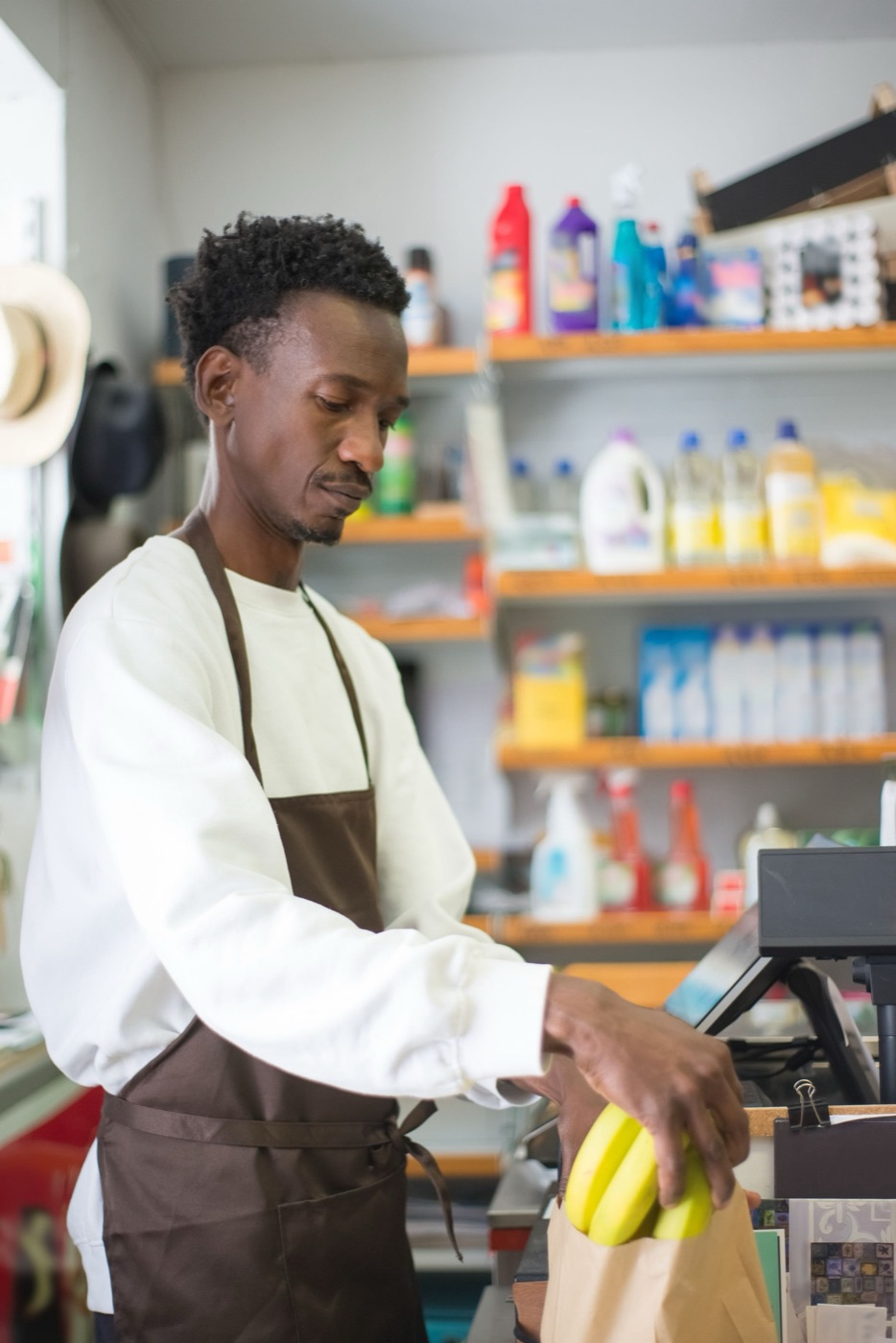
Online shops on Zoka
Shop local.
Sell online.
Every business on Zoka can switch on its own online store, with Mobile Money and card payments, pickup or delivery, and stock that matches the counter.
- ✓ Mobile Money ready
- ✓ Retail & restaurant templates
- ✓ Local support in Ghana
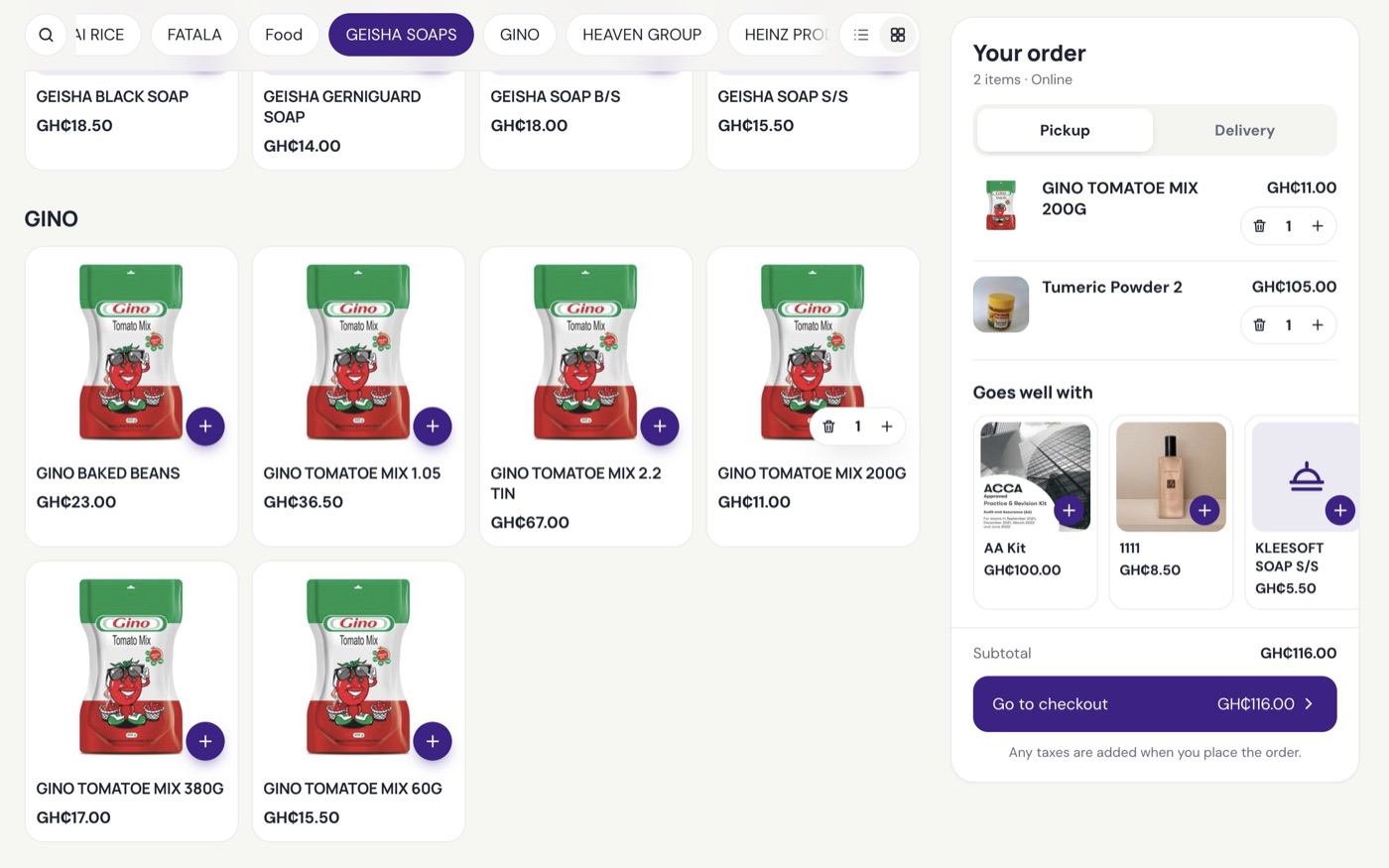
Online shop included
Your POS is also your online shop.
Switch on a storefront from the same Zoka account. Products, prices, photos and stock come straight from your POS, so there is no separate website to build or catalogue to keep in sync.
- Your own web address
Customers order at your link or your own domain, with your shop name and brand colour.
- One stock count
Online orders and counter sales draw from the same inventory, so you never sell what you don't have.
- Paid by MoMo or card
Checkout runs through your own payment account, or on delivery if you allow it.
- Pickup or delivery
Orders land in Zoka next to your counter sales, ready to prepare, pack and hand over.
- Restaurant menus & modifiers
- Order updates by SMS
- Live order tracking

- Pay on delivery
- Mobile Money
- Card
- Bank transfer
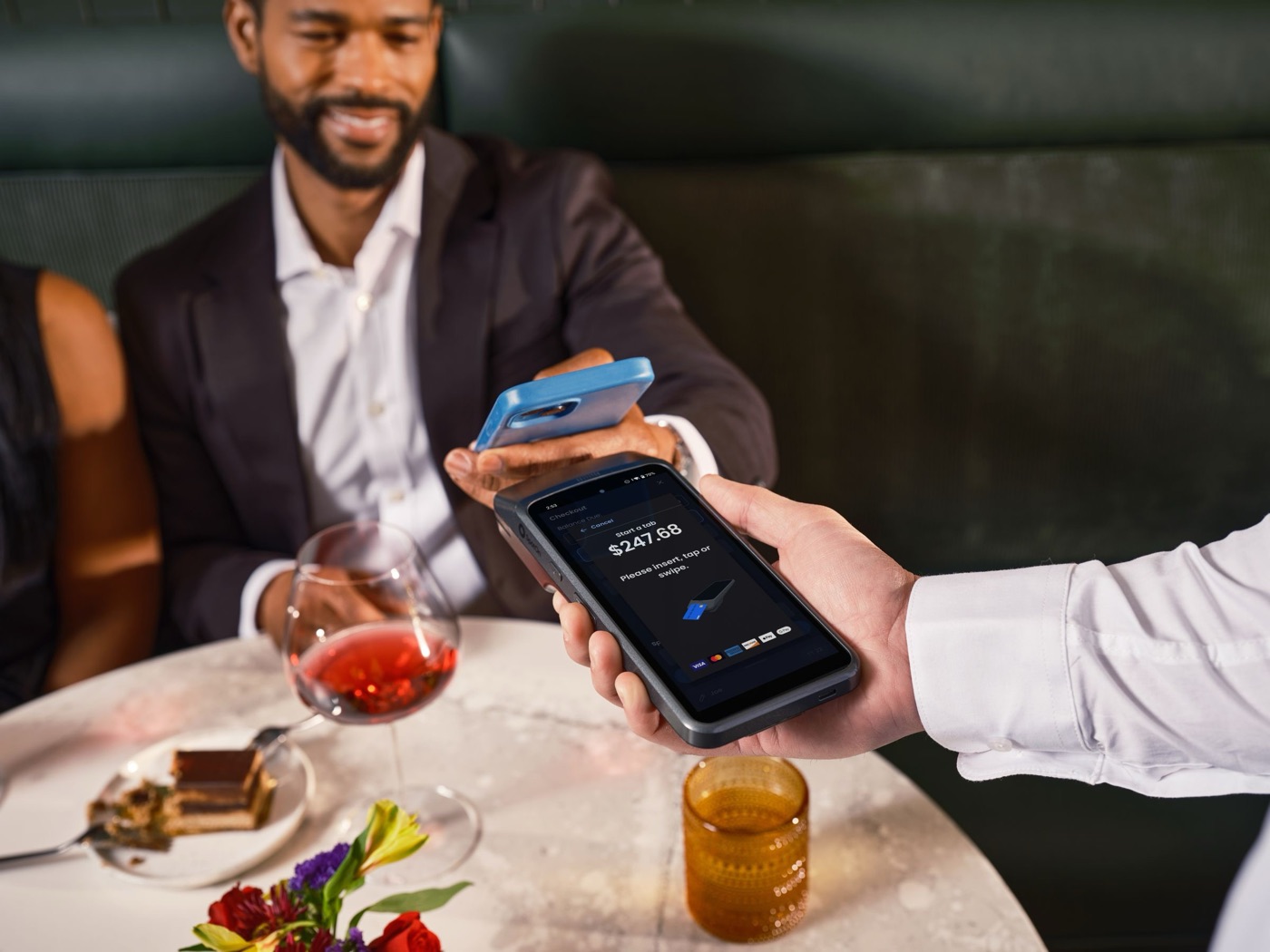
Get paid the way your customers pay.
Shoppers check out with MTN MoMo, Telecel Cash or AT Money, or by Visa and Mastercard. Payments are confirmed instantly, so you can start preparing the order straight away.
- Money goes straight to you. Connect your own Paystack, Moolre or Hubtel account. Zoka never holds your takings.
- Every order reconciled. Online payments are matched to their orders automatically and sit next to your counter sales.
- Pay on delivery when it suits. Let trusted customers pay cash or MoMo when their order arrives.
We accept



Payment partners
-

-
 Moolre
-

Up and running fast
Three steps to your first order.
- 1
Create your business
Sign up and add your company, branch and currency.
- 2
Add your products
Set up items, categories, prices and opening stock, or import them in one go.
- 3
Share your store
Switch on your storefront and start taking orders and payments.
Ready to take your business online?
Bring your checkout, stock, customers and online orders into one clear workspace.